
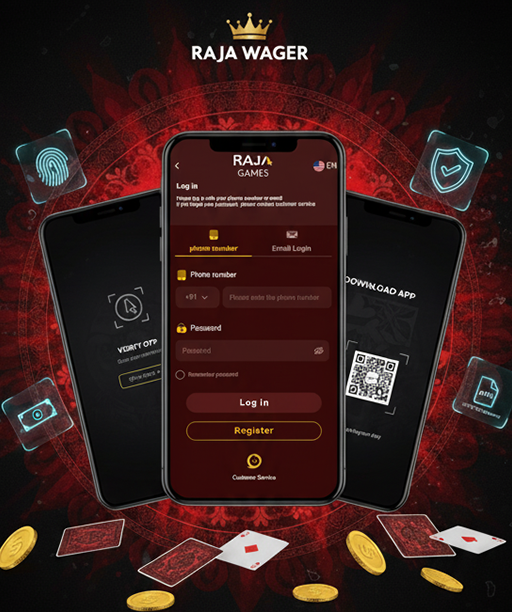
What Is Raja Wager?
Raja Wager is a mobile-first real-money gaming platform with an interface that feels familiar from the moment you land on the homepage: big buttons, clean navigation, and quick access to Login, Register, Wallet, and Support. It’s geared toward India’s everyday devices and internet conditions, so pages load quickly on 4G and remain stable on busy networks. Rupee-denominated balances, locally popular games, and round-the-clock chat support make onboarding straightforward even if you’re brand new. This guide focuses on one thing: helping you log in smoothly, keep your account secure, and move from sign-in to your first game or withdrawal with confidence.
Quick Facts
| Item | Detail |
|---|---|
| Default Currency | INR (₹) wallet with same-name payouts recommended |
| Popular Payments | UPI, Paytm, PhonePe, NetBanking (IMPS/NEFT), select cards (bank-policy dependent) |
| Typical Deposit Range | ₹200 – ₹2,00,000 per transaction (varies by method & verification tier) |
| Typical Withdrawal Range | ₹500 – ₹2,00,000 per transaction (post-KYC) |
| Processing Times | Deposits: instant to ~10 minutes • Withdrawals: ~15 minutes to 24 hours |
| Support | 24/7 live chat + email (English/Hinglish) |
| Audience | 18+ only • Check local/state rules before playing |
Create Your Account & First Sign-In
A smooth login begins with a clean registration. Use a real mobile number and an email you actively check—those two details become your lifelines for OTPs, password resets, KYC updates, and payout notifications. During sign-up, set INR as your wallet currency and choose a strong password that you won’t reuse elsewhere. If you plan to deposit through UPI, ensure your UPI ID is in your own name and that the bank account matches your identity documents; same-name flows reduce friction at withdrawal time. After completing sign-up, confirm any verification links or OTPs immediately so your profile shifts from “basic” to “ready” before your first login.
What to Expect
Most players complete KYC in minutes once documents are on hand. You’ll typically submit a PAN (for tax identity), an Aadhaar or passport (for identity/address), and sometimes a recent bank statement or passbook photo page to confirm your payout destination. Clear, well-lit images speed up the process dramatically. Once approved, your limits usually expand and withdrawals process faster.
KYC Checklist (before your first deposit)
-
Valid PAN for identity and tax purposes
-
Aadhaar/passport/driver’s license with matching name
-
Bank proof (account name and number visible) for withdrawals
-
A selfie if requested to confirm liveness
-
Mobile number and email verified with OTP
How to Log In?
Whether you prefer the mobile site or the Android app, the login flow is simple. Below are the recommended routes based on your device and preferences. Use whichever fits your setup; both keep you close to promotions, support, and your INR wallet.
Fast Login — Web (Mobile & Desktop)
For a fast login on web (mobile or desktop), open the official Raja Wager site and tap Login at the top, then enter your registered mobile or email with your password—use Remember me only on a private device. If prompted, complete the OTP or captcha and tap Sign In to land on your Wallet screen where your INR balance and profile appear. For stronger protection right after you’re in, go to Account → Security and enable two-factor authentication.
Android APK — Login & Safety
- Download the official APK from the platform (avoid third-party mirrors).
- Allow your browser to install this one APK; you can disable the permission afterward.
- Open the app, enter your credentials, and verify via OTP if asked.
- Toggle biometric unlock (fingerprint/face) for one-tap, secure logins.
- Keep auto-updates enabled in-app so security patches arrive on time.
To get started quickly on Android, use the official raja wager apk download link from the site—this ensures you’re installing the safest and most current version. Avoid third-party sources, as only the official APK supports secure logins, instant updates, and biometric unlock features.
iPhone/iPad — Mobile Web Best Practice
- Use Safari/Chrome to open the official site and tap Login.
- Add the site to Home Screen for a clean, app-like shortcut.
- Sign in with your credentials and complete any OTP.
- Keep Face ID/Touch ID enabled for quick unlocks on the device level.
- Turn on push/email alerts for login attempts, withdrawals, and offers.
Security Best Practices After Login
- Change your password every 60–90 days; avoid reusing it on other sites.
- Keep your registered phone active; it’s crucial for OTP and resets.
- Don’t share screenshots of your wallet or bonus codes publicly.
- Log out on shared devices and clear saved credentials.
- Review Login History in your account for unfamiliar access.
Login Problems
A small typo or an expired OTP is often the culprit behind login friction. If something doesn’t work on the first try, pause for a moment and run through the checks below. Ensuring your device time matches network time and using the latest browser/app version resolves most issues without support.
Common Issues & Quick Fixes
| Issue | Likely Cause | What to Try |
|---|---|---|
| “Invalid Credentials” | Mistyped email/phone or password | Reset password, check keyboard case/space, confirm country code |
| OTP Not Arriving | Network delay or SMS filtering | Resend OTP after 30–60 seconds, switch to email OTP if available |
| Account Locked | Too many failed attempts | Wait the indicated cooldown, then use “Forgot Password” |
| Captcha Loop | Browser cache or old cookies | Clear cache/cookies, use a private tab, or update the app |
| 2FA Code Rejected | Time drift on device | Enable auto time/date, try authenticator app, resync device clock |
If you still can’t sign in after these steps, open Live Chat from the homepage and provide your registered email/phone, last successful login time (if known), and the exact error message. Support can safely guide you through resets without asking for your password.
Deposits & Withdrawals
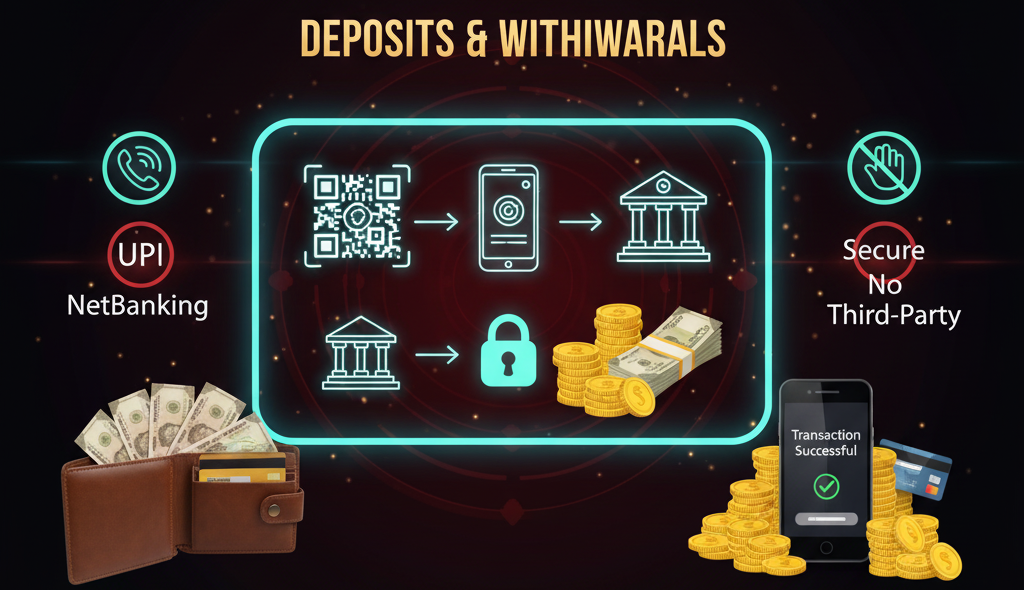
Once you’re logged in, the cashier is the next stop. Government ID and same-name bank details accelerate verification and speed up payouts. Stick to your own UPI ID and avoid third-party transfers—those usually get flagged by risk systems and delay withdrawals.
Payment Rails:
| Method | Typical Deposit | Typical Withdrawal | Notes |
|---|---|---|---|
| UPI (GPay/PhonePe/Paytm) | ₹200 – ₹2,00,000 | ₹500 – ₹2,00,000 | Fast, popular, same-name accounts recommended |
| NetBanking (IMPS/NEFT) | ₹500 – ₹2,00,000 | ₹1,000 – ₹2,00,000 | Good for higher limits; timing varies by bank |
| Cards (bank-policy) | ₹500 – ₹1,00,000 | — | Some banks restrict gaming MCCs; check with your issuer |
| Wallet/Alternative Rails | Varies | Varies | Availability can change; confirm in the cashier |
Bonuses After Login: Using Them Wisely
Bonuses are easier to enjoy if you read the key terms before opting in. Look for wagering multipliers (e.g., 25x–40x), game contribution rates (live tables often lower), and minimum odds for any sportsbook components. Keep your gameplay consistent with the bonus rules; switching between high-variance and low-variance titles solely to game the turnover may void the reward. Above all, pick bonuses that suit your budget and session length—smaller, achievable goals tend to feel better than chasing a massive target late at night.
Smart Bonus Checklist
- Confirm wagering and time limits before accepting.
- Check game contributions (slots vs. live tables).
- Track your progress inside Wallet → Bonuses.
- Avoid overlapping promos if the terms conflict.
- Withdraw only after the system shows 0% remaining on wagering.
Responsible Play & Account Controls
Raja Wager provides practical tools to help you play within your means. You can set deposit and loss limits from your account, enable reality checks that ping you every 30–60 minutes, or schedule cool-off breaks if a session runs hotter than planned. If you feel your habits slipping, a temporary self-exclusion—days, weeks, or months—creates breathing room while support points you toward professional resources. Remember: entertainment first. If play stops feeling like entertainment, step away and speak to someone you trust.
Useful Controls to Explore
- Deposit/Loss Limits: Choose daily/weekly/monthly caps in INR.
- Reality Checks & Session Timeouts: Gentle reminders or auto-logouts after your chosen duration.
- Self-Exclusion: Short or long breaks; account access is paused for the period you set.
- Transaction History: Review deposits, bets, and withdrawals to stay on budget.
Safety, Fairness & Your Data
Security begins on your device. Keep your OS updated, use a reputable antivirus on desktop, and protect your SIM with a PIN to avoid SIM-swap risks that could intercept OTPs. Within your account, enable 2FA, verify your contact details, and never share your password—even with “support” profiles you meet on social media. If you receive an unexpected login alert, change your password immediately and notify the official support channel found on the site/app. For fairness, rely on the platform’s built-in auditing and game-provider reputations; avoid third-party “systems” that claim guaranteed wins.
FAQ — Raja Wager Login
Is registration required before I can log in?
Yes. You’ll need to create an account with your real mobile number and email, then verify via OTP. Once done, your login works on both mobile web and the Android app.
I forgot my password. What now?
Use Forgot Password on the login page, confirm the OTP sent to your registered contact, and set a new strong password. If you don’t receive an OTP within a minute, resend once and check your network.
Why is my account locked after several attempts?
A temporary lock protects your account from brute-force guesses. Wait for the cooldown (usually a few minutes), then reset your password or contact Live Chat for help.
Can I log in from multiple devices?
You can access your account from different devices, but avoid simultaneous sessions on shared networks. Log out when you finish, especially on public or borrowed phones.
How do I make sure withdrawals go through quickly?
Complete KYC early, use a same-name bank/UPI account, and keep your contact details current. Start with a small test payout to confirm everything works.